Usability testing is a research method in which real people complete realistic tasks on a website, app, prototype or product while researchers watch what they do, where they struggle and what they say. The point is not to test the participant. The point is to find out where the product makes things harder than they should be.
This guide covers how a test works, how to take part as a participant, and how researchers prepare, run and analyze a study.
What usability testing is
In a test, a researcher gives a participant a task, such as finding a product, signing up for an account, changing a setting or completing a checkout. The researcher watches how the participant goes about it and listens to what they say along the way.
The two most common measures are:

- Task success: whether the participant completed the task correctly.
- Time on task: how long the task took.
Researchers also pay attention to errors, hesitation, repeated clicks, confusion, abandoned tasks and direct comments. A test can be moderated, with a researcher joining live, or unmoderated, with the participant working through it alone while their screen and voice are recorded.
Types of usability tests
Most studies fall into one of four formats. Each one suits a different question.

- Moderated remote test: the participant joins a video call, shares their screen and completes tasks while the researcher asks follow-up questions. It is best for understanding reasoning, confusion and decision-making in depth.
- Unmoderated recorded test: the participant works alone while recording their screen, their voice and sometimes their face. It is best for collecting feedback from more people quickly.
- In-person test: researcher and participant meet face to face, often with a device or prototype. It is best for physical products, hardware and controlled settings.
- Survey-based test: the participant answers written questions without recording their screen or audio. It is best for quick attitudes, preferences and demographic feedback.
How participants get started
Platforms such as UserTesting let people sign up as contributors, complete a practice test, answer screening questions and receive invitations to tests that match their profile. Tasks can involve websites, apps or prototypes.
A typical path looks like this:
- Create an account and fill in your profile.
- Take a practice test to learn the recording and task format.
- Answer the screener questions for the tests you see.
- Complete the tests you are matched with, on a desktop or a mobile device.
- Speak aloud while you work through the tasks.
- Submit the recording, and get paid if the test meets the quality standards.
Think-aloud testing
Many tests use the think-aloud method. You say what you are looking at, thinking, doing and feeling as you complete each task. That helps researchers understand not just whether you succeeded, but how you got there and why you chose what you did.
For example, a participant might say: "I expected the search bar to be at the top, but I do not see it. I will try the menu instead."
That one sentence tells a researcher far more than a note that the participant clicked the menu. It shows an expectation, a moment of confusion and a way of recovering.
Good participants narrate naturally. Here are some examples of what that sounds like:

- "I am looking for the return policy."
- "This button does not look clickable to me."
- "I expected shipping costs to appear here."
- "I am unsure whether this is the right option."
- "This page is taking longer than I expected."
Researchers should not lead you or give you clues. The goal is to see real behavior, not to steer you toward the "correct" answer.
How researchers prepare a test
A strong test begins with a clear goal. Before recruiting anyone, decide what the team needs to learn, who the target users are and which parts of the product need testing. The next four sections cover the steps in order.

Define the goal
Good goals are specific questions about what people can do. For example:
- Can new users complete signup without help?
- Can shoppers find a product and add it to the cart?
- Can users understand the pricing page?
- Can users recover after entering an incorrect password?
- Can users complete a mobile checkout without giving up?
Recruit the right participants
Recruit people who resemble the people the product is for. A test for a professional accounting tool should not rely only on people who have never used accounting software. A screener should confirm the experience, habits, devices or job role that matter for the study.
Write realistic tasks
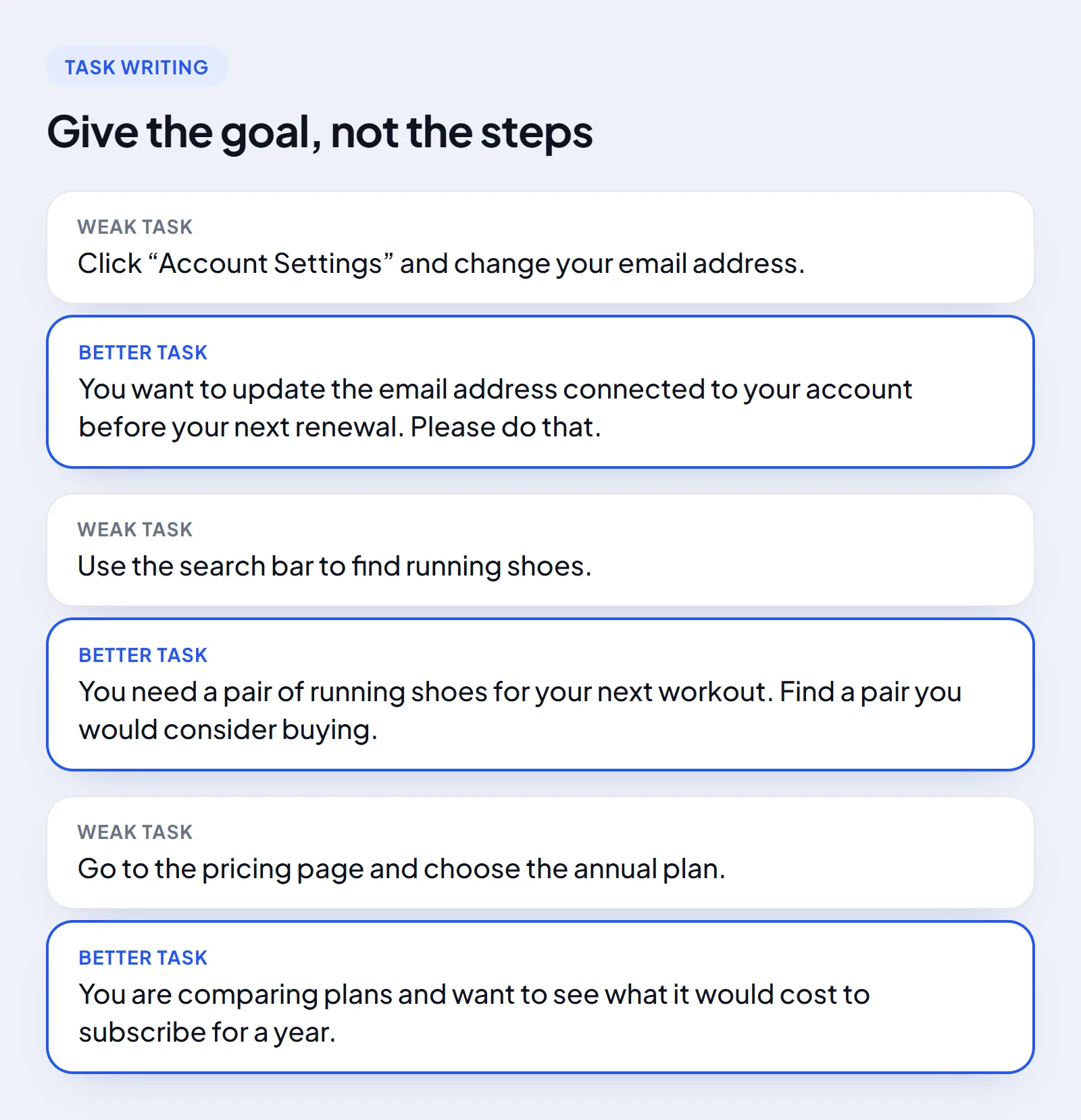
A task should describe a goal, not give away the steps. Use action-oriented language that matches how users talk, keep it short, and avoid clues.
Compare a weak task with a better one. "Click Account Settings and change your email address" becomes "You want to update the email address connected to your account before your next renewal. Please do that." The better version gives a reason and leaves the route to the participant.
Scenarios give context, tasks describe the action, and follow-up questions capture impressions. Keeping those three apart helps participants behave naturally instead of following orders mechanically.
Set success criteria
Every task needs a clear success state. Success might mean the participant reaches the confirmation page, finds the right product, updates a setting or submits a form. Without a defined endpoint, it is hard to compare results across participants.
Example usability test
Here is a simple example for a food-delivery app. The research goal is to learn whether first-time users can place a delivery order without help.
The participant scenario reads: "You are hungry and want dinner delivered tonight. You have never used this app before. Find a meal you would like and complete the order up to the payment step."
Example tasks
The participant is asked to:
- Open the app and find a meal they would order.
- Add the meal to the cart.
- Choose delivery and continue to checkout.
- Find the estimated delivery time.
- Stop before entering payment details.
Example success criteria
The researcher counts the task as a success when:
- The participant finds a suitable meal.
- The participant adds it to the cart.
- The participant reaches checkout.
- The participant can locate the estimated delivery time.
- The participant does not need hints from the moderator.
What the researcher observes
Throughout the session, the researcher records:
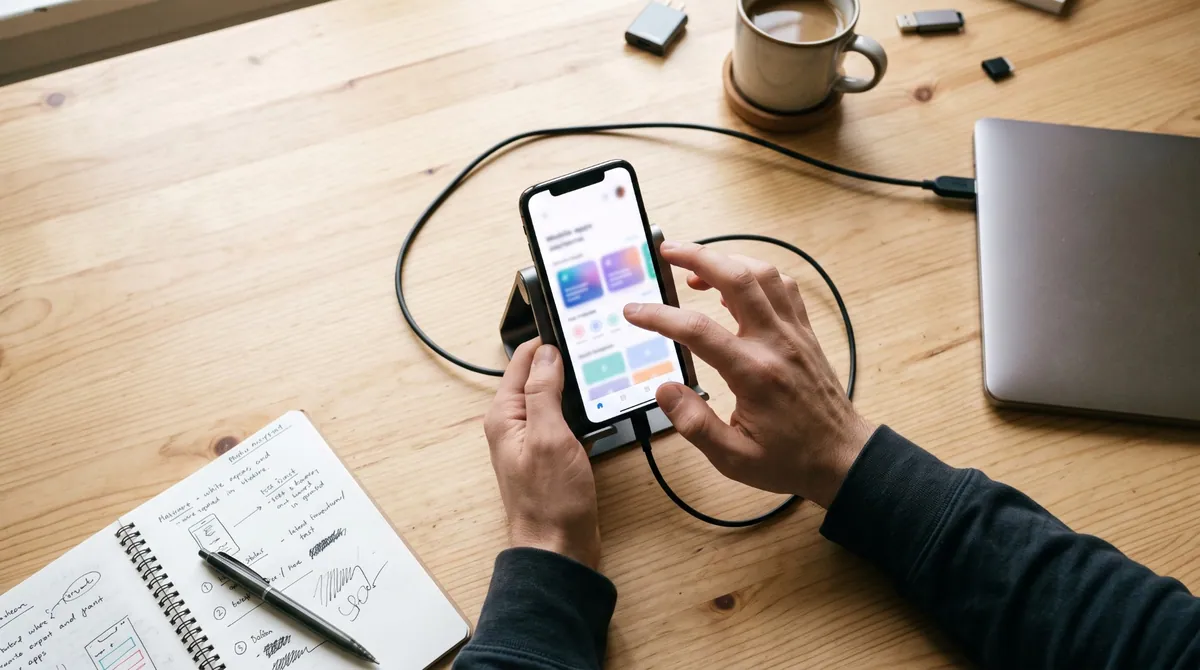
- Where the participant looked first.
- Whether they understood the navigation.
- Any hesitation, confusion or repeated taps.
- Whether they completed each task.
- What they said about pricing, delivery time, menu layout and buttons.
- Where they got stuck or abandoned the task.
Example observation
The participant opened the app and tapped "Search" straight away, expecting a search bar at the top of the home screen. When they did not find one, they scrolled through the categories and eventually used the filter menu. They added an item successfully but hesitated at checkout when the delivery fee appeared.
This points to two possible problems: the search function may be hard to discover, and delivery fees may show up too late in the checkout flow.
Running the session
For a moderated test, begin with a short introduction:
- Explain that the product is being tested, not the participant.
- Ask for consent to record.
- Explain that there are no right or wrong answers.
- Ask the participant to think aloud.
- Give one task at a time.
- Do not help unless the participant is completely stuck.
Useful neutral prompts include "What are you thinking right now?", "What are you looking for?", "Can you tell me why you clicked there?", "What would you expect to happen next?" and "Is anything confusing or unexpected?"
Researchers should never say "try the menu" or "look at the top right". Hints like that turn a usability test into guided instruction.
Analyzing the results
After the sessions, go through the notes and recordings looking for repeated patterns. One participant struggling with something may be a one-off. Several participants struggling with the same step usually means a design problem.
Sort the findings into five groups:
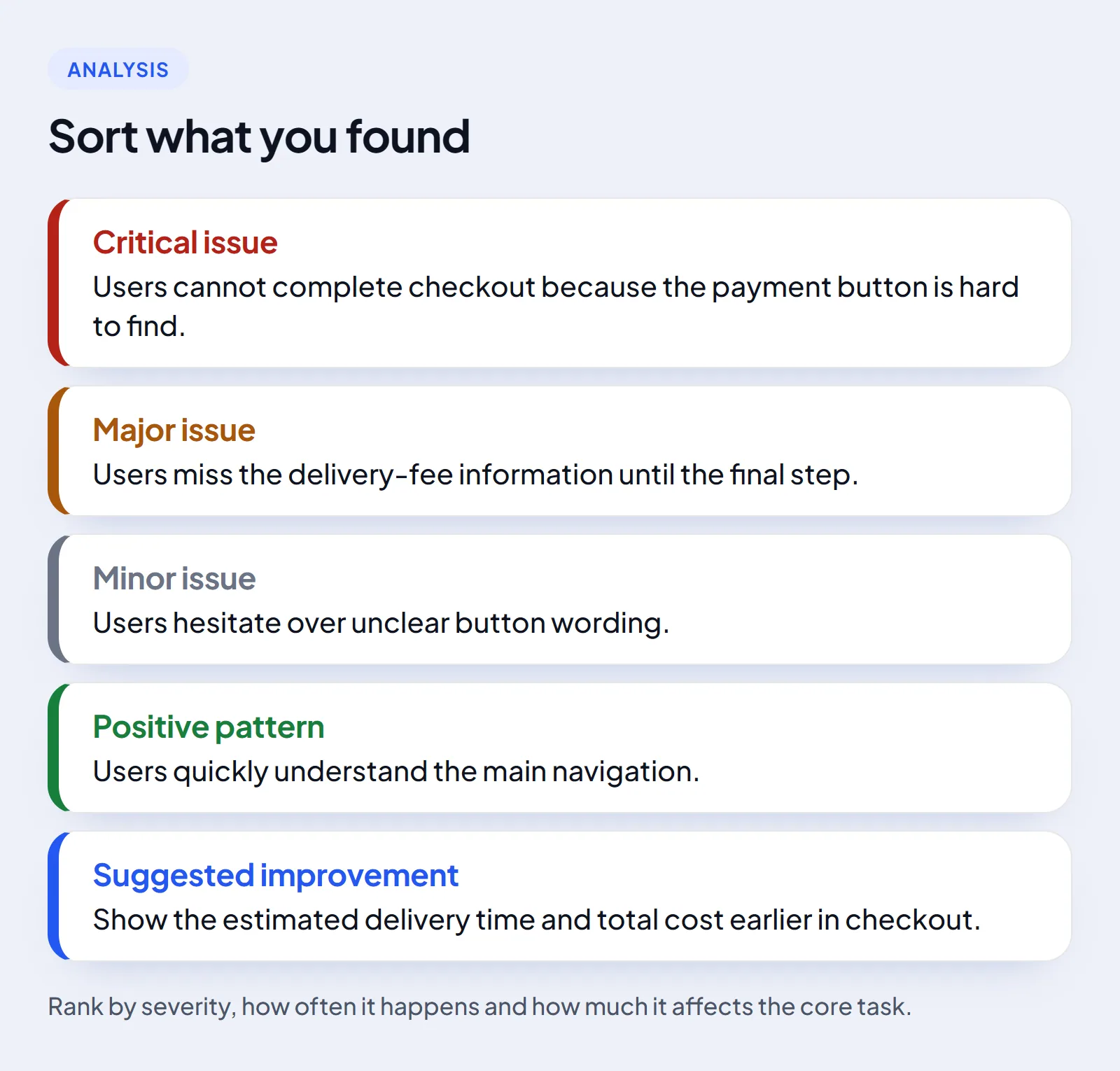

- Critical issue: users cannot complete checkout because the payment button is hard to find.
- Major issue: users miss the delivery-fee information until the final step.
- Minor issue: users hesitate over unclear button wording.
- Positive pattern: users quickly understand the main navigation.
- Suggested improvement: show the estimated delivery time and total cost earlier in checkout.
Rank problems by how severe they are, how often they happen and how much they affect the core task. A problem that blocks checkout deserves attention before a minor wording issue.
Common mistakes to avoid
- Writing tasks that reveal the answer.
- Asking leading questions.
- Helping participants too quickly.
- Testing only people who already know the product.
- Giving participants too many tasks in one session.
- Ignoring what participants say because the task was eventually completed.
- Treating one person's confusion as a universal finding.
- Failing to define what success looks like.
A short checklist
- Define one clear research goal.
- Recruit participants who match the target audience.
- Write realistic scenarios, not step-by-step commands.
- Give each task a clear success condition.
- Keep tasks short and focused.
- Ask participants to think aloud.
- Avoid leading questions and hints.
- Record the screen, the audio and relevant behavior.
- Look for patterns across participants.
- Prioritize issues that block core tasks.
- Test again after making changes.
Usability testing works best when it captures real behavior. Clear tasks, neutral moderation and honest participant feedback show whether a product really works for the people it is meant to serve.
To try this as a participant, browse paid research studies and the platforms that run usability tests, such as UserTesting and Userfeel.